
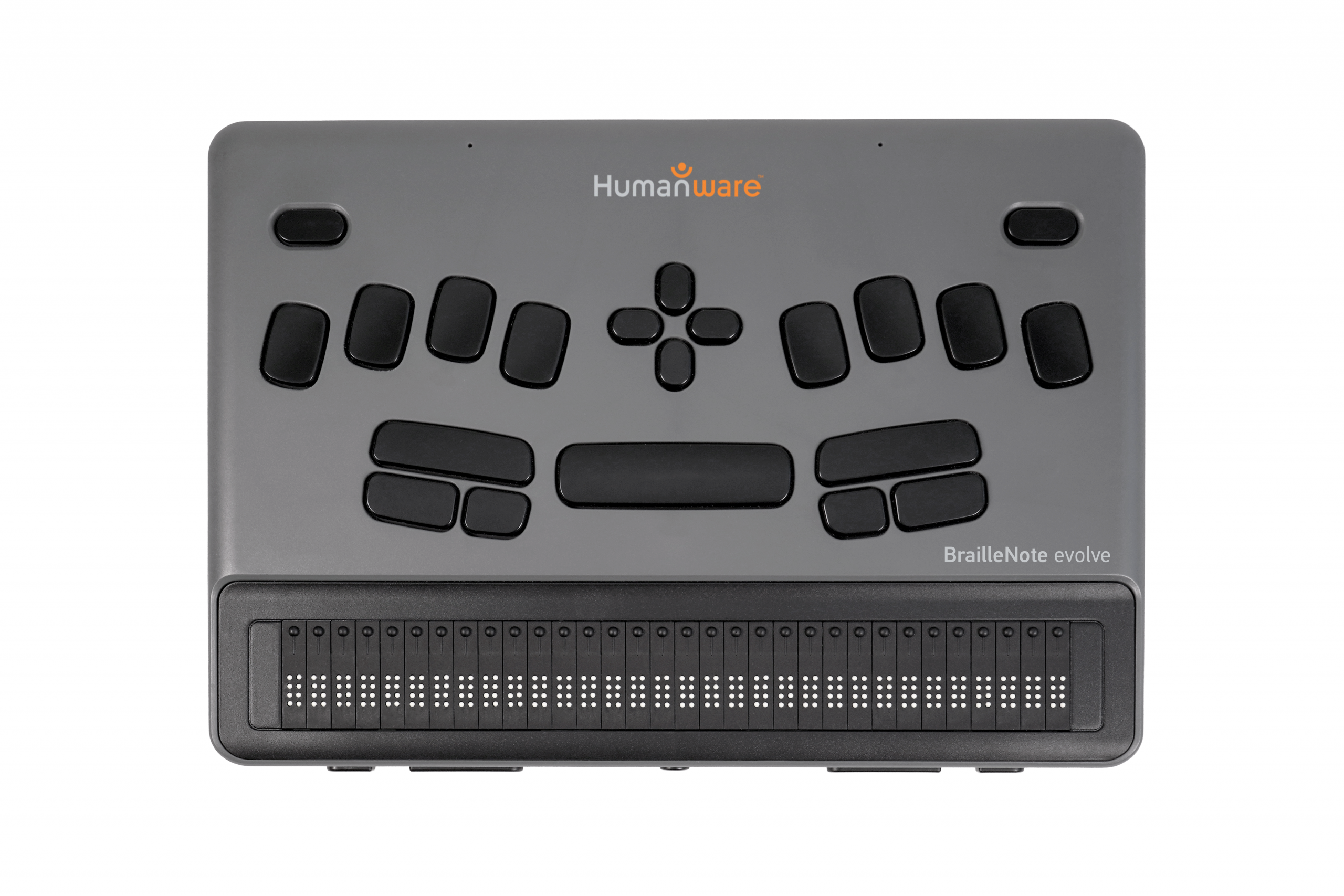


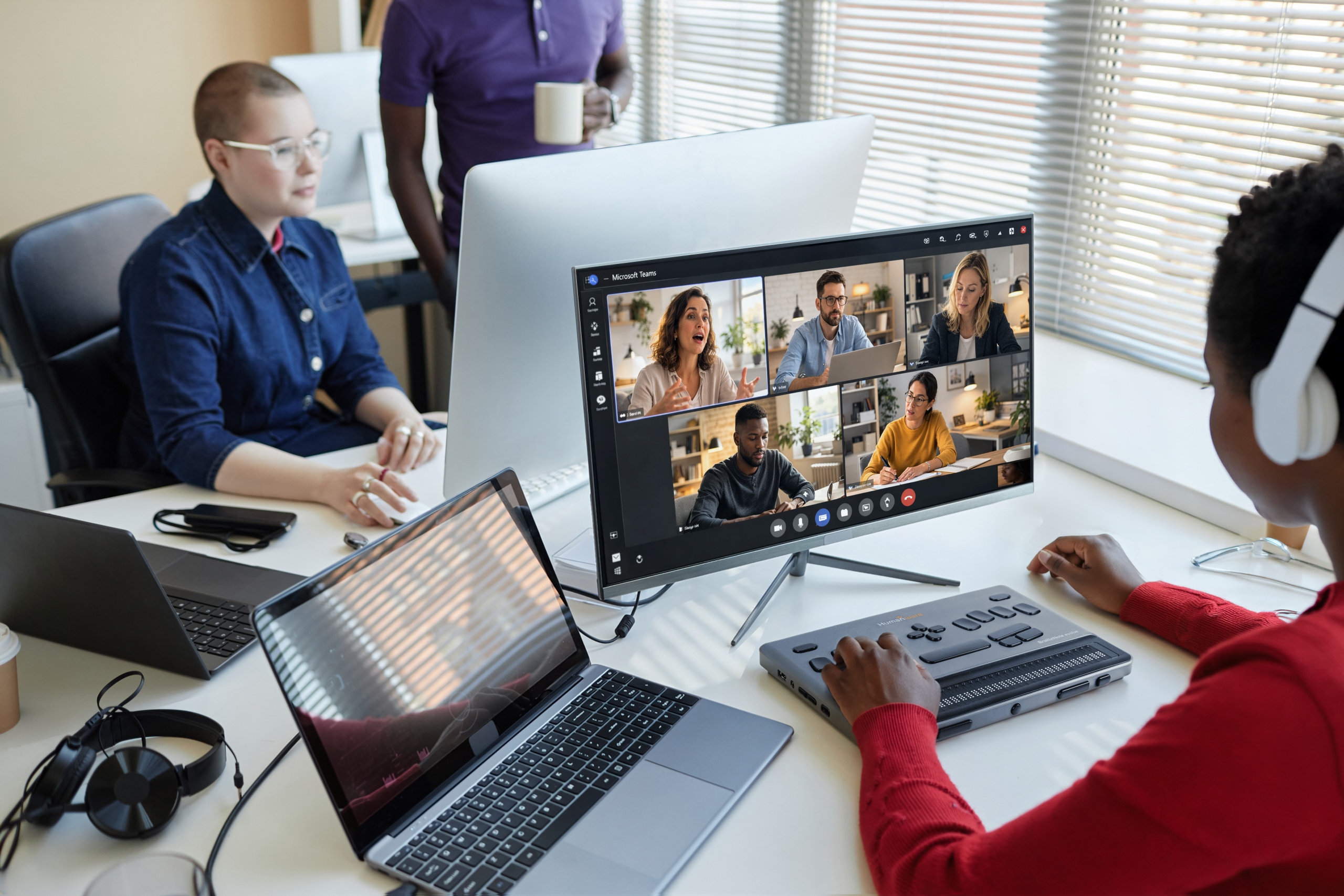
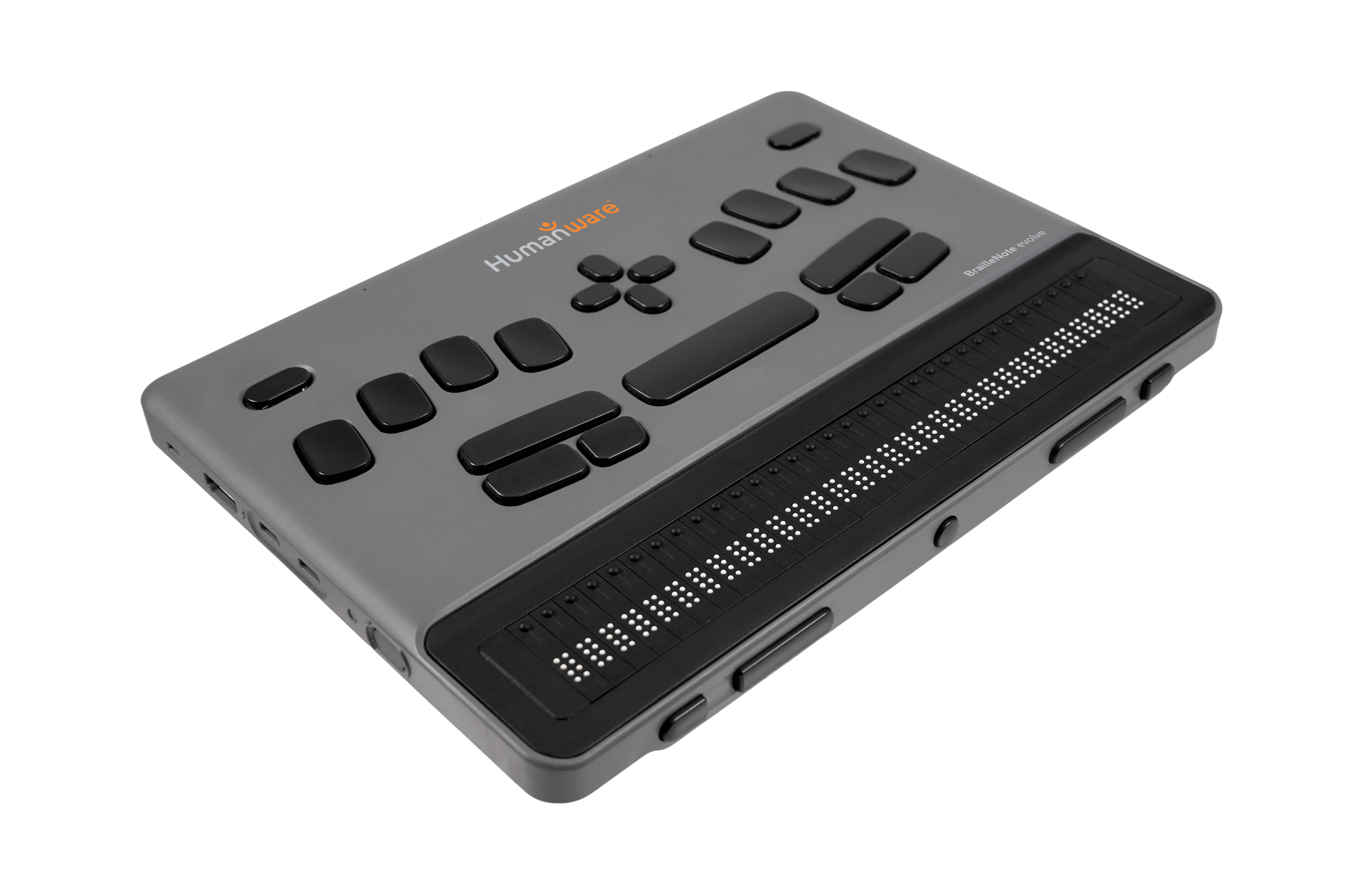

BrailleNote evolve: a new chapter in braille-first computing
🌟 BrailleNote evolve — Built for Today. Ready for the Future
Transform Learning. Empower Independence. Unlock Opportunities.
BrailleNote evolve by HumanWare is not just a braille device — it’s a complete productivity powerhouse designed for students, professionals, and institutions.
🚀 Key Benefits (Why Choose BrailleNote evolve?)
1. 🧠 Learn Faster, Work Smarter
- Start instantly with the simple KeySoft interface
- No technical learning curve — perfect for beginners
- Boost productivity from day one
📌 As highlighted in your brochure, it delivers a “trusted experience from school to workplace”
2. 💻 Power of Windows + Simplicity of Braille
- Full Windows 11 Pro environment
- Access Microsoft 365, emails, internet & professional tools
- Seamless transition from education to career
👉 One device = Braille + Laptop power combined
3. ⚡ Ultra Fast Performance
- Powered with 32 GB RAM
- Smooth multitasking without lag
- Reliable for heavy academic & office use
4. 📈 Grows With the User
- Beginner → Intermediate → Advanced
- Learn step-by-step without changing devices
✔ Start with KeySoft
✔ Move to Microsoft 365
✔ Advance to full Windows usage
📌 “Grows with you — building skills for education and employment”
5. 🎯 Braille-First Design (True Accessibility)
- Designed specifically for visually impaired users
- Familiar BrailleNote experience
- Effortless navigation and control
6. 🔐 Secure, Connected & Future-Ready
- Built for modern digital environments
- Always connected and upgradable
- Long-term investment for institutions
7. 🤝 Complete Ecosystem Support
With HumanWare you don’t just get a device:
- Training & onboarding
- Ongoing support
- Reliable global technology
💼 Perfect For
- Schools & Universities
- Government Institutions
- Working Professionals
- Competitive Exam Preparation
💡 Unique Selling Proposition (USP)
👉 “The only Braille device that combines simplicity, power, and future-ready technology in one platform.”
🔥 Short Tagline Options (for website banners)
- Learn. Create. Achieve.
- From Classroom to Career
- Braille Productivity — Evolved
- One Device. Unlimited Possibilities.
- The Evolve has been developed in direct response to key requirements identified by the user community, delivering a powerful and flexible braille computing experience.
- Powered by Windows 11 Pro
Running on Windows 11 Pro, the Evolve is a powerful and responsive braille computer that bridges the gap between traditional note-taking and full PC functionality. It builds on the familiarity of the KeySoft environment from the BrailleNote Touch+, while opening the door to broader Windows navigation and accessibility.
- Enhanced Word Processing
The Evolve is designed to run a fully functional version of Microsoft Word, presented with a streamlined ribbon interface powered by KeySoft. This approach maximises efficiency, enabling intuitive braille navigation, optimised keystrokes, and a highly productive workflow. (Office 30-day free trail included, then MS Office 365 license required)
- Full Microsoft Office Integration
In addition to Word, the Evolve supports widely used Microsoft Office applications including Excel, Outlook, PowerPoint, and Teams — ensuring seamless compatibility with both educational and professional environments. HumanWare add ins help declutter ribbons and offer customised contextual menus. (Office 30-day free trail included, then MS Office 365 license required) - Flexible Screen Reader Environment
The Evolve is powered by an optimised version of NVDA, running seamlessly in the background and integrated with our in-house developed Braille IME keyboard. This allows the device to function as a dedicated note-taker or as a fully capable Windows PC. Users can transition at their own pace — starting within the structured KeySoft environment and gradually adopting full screen reader functionality using NVDA or even a JAWS screen reader (6-month free license included – subscription available afterwards). This flexibility supports both learners building confidence and experienced professionals already familiar with advanced screen reader commands and workflows.
Advantages of HumanWare’s Windows 11 Pro Braille Notetaker (Evolve)
- Familiar, Yet Future-Ready
Builds on the trusted KeySoft environment while introducing full Windows functionality, allowing users to progress naturally from structured workflows to complete PC independence. - Full Microsoft Office Access (with installation of Office 365)
Native support for Microsoft Word, Excel, Outlook, PowerPoint, and Teams ensures seamless compatibility with school, university, and workplace requirements — no compromise or workarounds. - Optimised for Braille Efficiency
A streamlined, KeySoft-powered interface enhances navigation, reduces keystrokes, and delivers faster, more intuitive braille workflows compared to standard Windows setups. - True Windows 11 Pro Experience
Unlike closed systems, this is a fully capable Windows PC — enabling access to mainstream applications, IT infrastructure, and future software developments. - Flexible Screen Reader Transition
Powered by an optimised NVDA environment with support for JAWS screen reader, users can transition at their own pace from guided interaction to full screen reader control. - Supports Education to Employment Pathway
Designed to bridge the gap between classroom learning and professional environments, equipping users with real-world digital skills demanded by employers. - Powerful Performance
Fast, responsive hardware ensures smooth multitasking across applications, improving productivity and user confidence. - Custom Braille IME Integration
HumanWare’s in-house Braille IME keyboard provides seamless input across both KeySoft and Windows environments, maintaining a consistent and efficient user experience. - One Device, Multiple User Cases
Functions as both a dedicated notetaker and a full Windows computer, reducing the need for multiple devices and simplifying the user experience. - Future-Proof Platform
Built on Windows 11 Pro, ensuring ongoing compatibility with software updates, accessibility improvements, and evolving digital ecosystems.
BrailleNote Evolve specifications:
Hardware
- Intel Core Ultra 5 processor
- 32GB LPDDR5x RAM
- 512GB NVMe storage
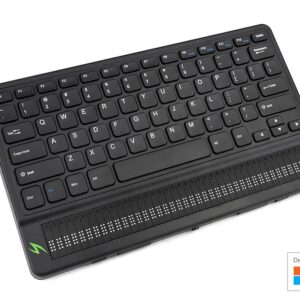
- Available in 20 or 32 braille cells with cursor routing and HumanWare signature thumb keys (A 40 cell QWERTY version will be released in latter half of the year)
- Stereo speakers, 3.5mm audio (mic compatible), vibration haptics
- Wi-Fi 6, Bluetooth 5
- Ports: 2 × USB-C (Thunderbolt 4 for charging and video), USB-A 3.2, HDMI 1.4
- Onboard cooling system
Software
- Windows 11 Pro (licensed)
- Microsoft Office apps (Word, Excel, Outlook, PowerPoint – license not included 30-day trial available)
- Customised NVDA screen reader (KeySoft integration) with optional JAWS screen reader support
- Remote support capability (RIM)
- Microsoft Store, internet access, media player, and screen casting/mirroring
KeySoft & Accessibility Features
- Optional KeySoft interface (can be enabled/disabled)
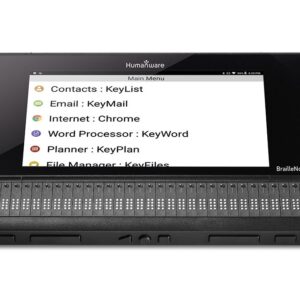
- Word processing, email, planner, contacts, Excel, and PowerPoint support*
- Victor Reader (DAISY, Bookshare and online libraries)
- Braille editor (KeyBrf) and graphing calculator (KeyMath)
- Embossing (Index direct) and printing support
*Microsoft license required
Battery
- 3-cell Li-Polymer (5000mAh, 11.1V)
- Up to 8 hours usage (depending on workload)
- USB-C charging
- Not user-replaceable
Additional
- Language Versions (07/26): English, French, German, Dutch, Arabic, Swedish
- Programmable RFID (future capability)
- Braille terminal functionality not available in v1.0
online libraries such as TGIL
- Powered by Windows 11 Pro
- Victor Reader – Book reader with direct access to online digital libraries such as Bookshare and more
- KeyBrf – Braille Editor, read and create with multilple lines of braille
- Internet Browser – A first multiline web browser experience
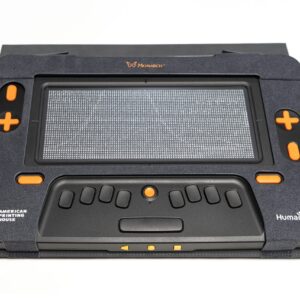
- Monarch Chess – Have fun while learning, understanding the the concept of Monarch’s unique touch capabilities
Reviews